
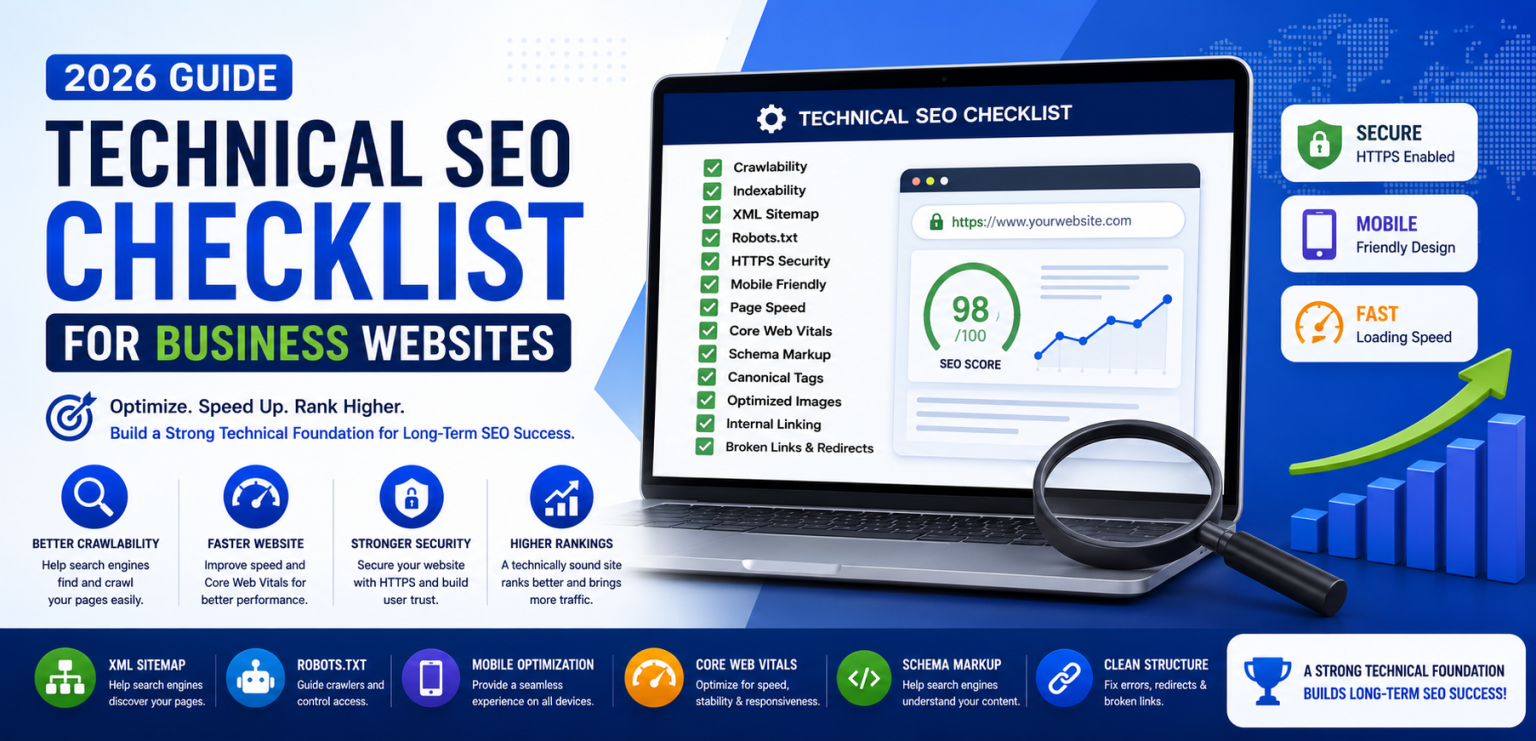
Building a professional website is only the first step toward online success. Even the most beautifully designed website may struggle to rank on Google if search engines encounter technical issues while crawling, indexing, or understanding its content.
This is where Technical SEO becomes essential. It focuses on optimizing the technical foundation of your website so that search engines can access, interpret, and rank your pages efficiently. A technically optimized website also delivers a better user experience through faster loading speeds, improved security, and seamless mobile performance.
At Shree Trinetra Technology LLP, we believe that successful SEO starts with a strong technical foundation. Before investing heavily in content creation or link building, businesses should ensure their website follows modern Technical SEO best practices.
This comprehensive checklist explains the most important Technical SEO elements every business website should implement in 2026 to improve visibility, search performance, and long-term growth.
Technical SEO refers to the process of optimizing your website's infrastructure so that search engines can efficiently crawl, index, and understand your content. Unlike On-Page SEO, which focuses on content and keywords, Technical SEO improves the website's backend performance, architecture, and accessibility.
A strong Technical SEO strategy ensures that both search engines and users can navigate your website without encountering performance or accessibility issues.
Search engines evaluate far more than keywords and content quality. They also analyze whether your website is secure, loads quickly, functions well on mobile devices, and can be crawled efficiently.
If technical problems prevent search engines from accessing your pages, even exceptional content may struggle to achieve strong rankings. That's why Technical SEO is considered one of the most important pillars of modern search engine optimization.
Before your pages can appear in search results, search engine bots must first crawl your website. Crawlability refers to Google's ability to discover and access your pages efficiently.
Poor internal linking, blocked resources, broken navigation, or incorrect robots.txt settings can prevent search engines from finding important pages.
Crawling and indexing are different processes. After Google discovers a page, it decides whether that page should be stored in its search index.
Incorrect noindex tags, duplicate pages, canonical issues, or server errors may prevent valuable pages from being indexed.
Regularly monitoring indexed pages through Google Search Console helps identify and resolve indexing problems before they affect your search visibility.
An XML Sitemap acts as a roadmap for search engines by listing the important pages on your website. While Google can often discover pages through internal links, a sitemap helps ensure that new or updated pages are found more efficiently.
Your sitemap should include only high-quality, indexable pages and should be updated automatically whenever new content is published.
The robots.txt file tells search engine crawlers which parts of your website they can or cannot access. Incorrect configurations may accidentally block important pages from being crawled.
Review this file carefully whenever your website structure changes, and avoid blocking resources required for rendering pages correctly.
Website security is both a ranking factor and an important trust signal for users. Every modern business website should use HTTPS with a valid SSL certificate to encrypt communication between visitors and the server.
Besides improving security, HTTPS protects user data, builds credibility, and helps maintain compliance with modern browser security standards.
With the majority of searches now happening on smartphones, Google primarily uses the mobile version of a website for indexing and ranking. A responsive website that adapts to different screen sizes provides a better user experience and supports stronger SEO performance.
Ensure that your navigation, buttons, images, and text remain easy to use on all devices. Visitors should never need to zoom in or scroll horizontally to access important content.
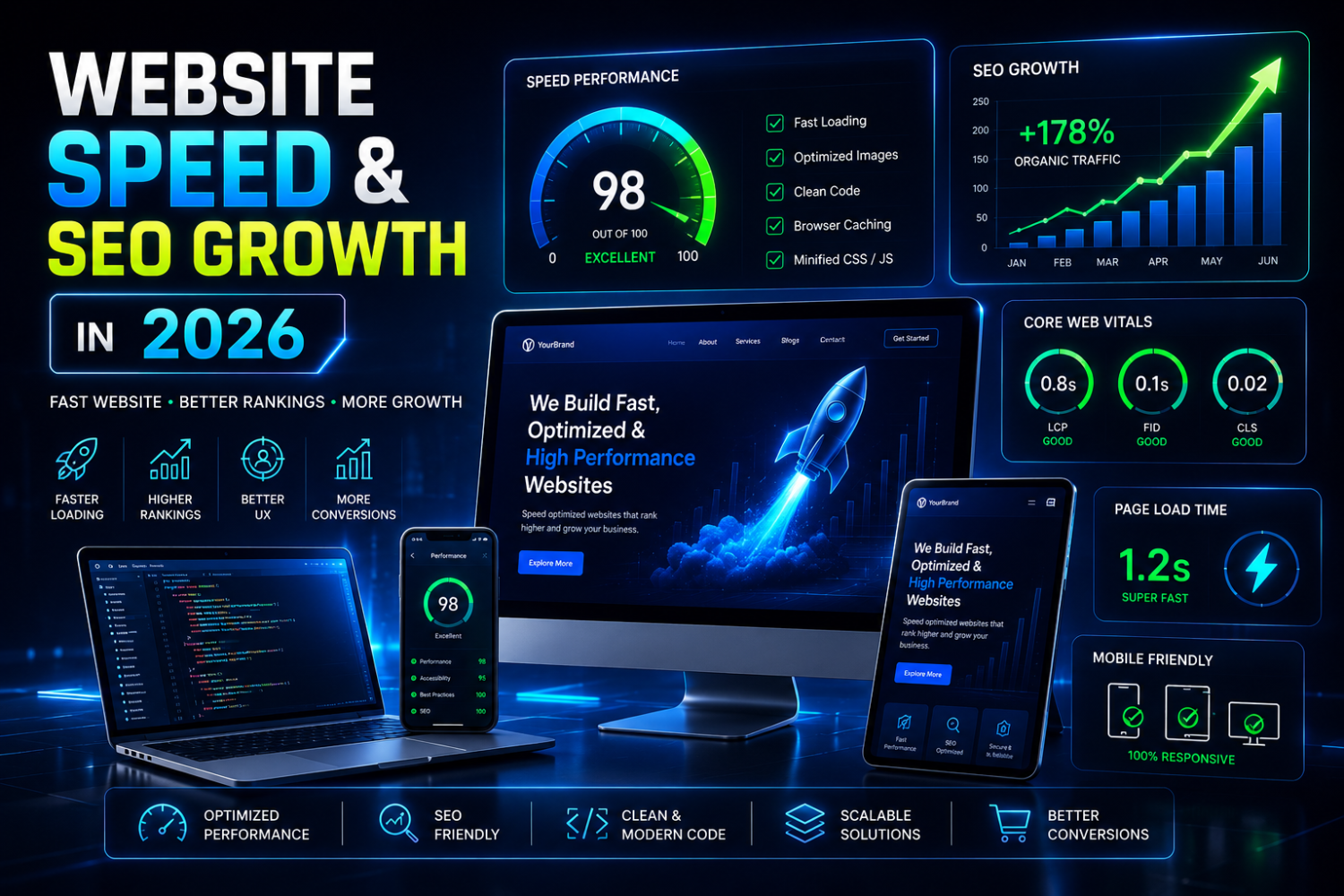
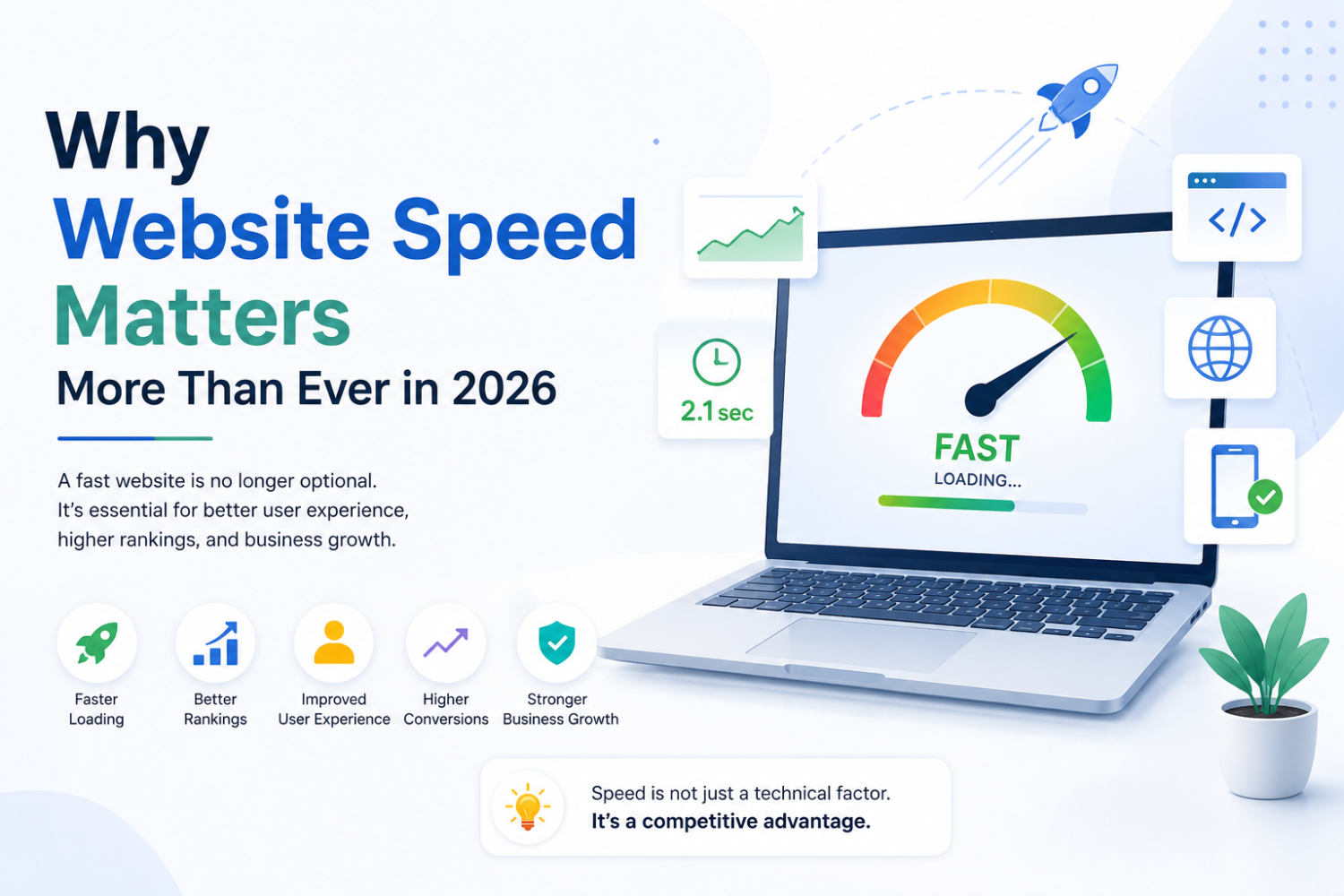
Website speed directly impacts user experience, engagement, and search engine rankings. Slow-loading pages increase bounce rates and reduce conversion opportunities, making speed optimization an essential part of Technical SEO.
Compress images, minimize unnecessary scripts, enable browser caching, and use modern image formats such as WebP to improve loading times. Choosing reliable hosting and reducing server response time also contribute to better performance.
Core Web Vitals are Google's user experience metrics that measure loading performance, visual stability, and page responsiveness. Strong scores improve both user satisfaction and SEO performance.
Regularly monitoring these metrics helps identify performance issues before they affect rankings or user experience.
Schema Markup is structured data that helps search engines better understand your website content. It can improve how your pages appear in search results by enabling rich snippets such as reviews, FAQs, business information, products, and events.
Adding relevant schema improves content clarity for search engines and may increase click-through rates by making your listings more informative.
Duplicate or very similar pages can confuse search engines and dilute ranking signals. Canonical tags specify the preferred version of a page, helping search engines consolidate authority and avoid duplicate content issues.
Review canonical tags regularly, especially on e-commerce websites and websites with multiple URL variations.
Broken internal or external links create a poor user experience and waste crawl budget. Regular website audits should identify 404 errors and outdated redirects so they can be corrected promptly.
When pages are permanently moved, use 301 redirects to preserve SEO value and guide visitors to the correct destination.
Images improve user engagement, but unoptimized files can slow down your website. Compress images before uploading, use descriptive file names, write meaningful alt text, and serve images in modern formats such as WebP wherever possible.
Proper image optimization improves accessibility, page speed, and image search visibility.
Internal links help users navigate your website while guiding search engines to important pages. They also distribute authority throughout your website and strengthen topical relevance between related articles and service pages.
Use descriptive anchor text and ensure that important pages are linked naturally from relevant content.
Many websites lose valuable organic traffic because of technical issues that could have been prevented through regular audits and maintenance.
Technical SEO forms the backbone of every successful SEO strategy. Without a technically sound website, even the highest-quality content may struggle to achieve its full ranking potential. By focusing on crawlability, indexing, speed, security, mobile usability, and structured data, businesses create a strong foundation for sustainable search visibility.
At Shree Trinetra Technology LLP, we help businesses improve their technical SEO through comprehensive website audits, performance optimization, responsive development, and search engine best practices. A technically optimized website not only ranks better but also delivers a faster, safer, and more enjoyable experience for every visitor.
As search algorithms continue to evolve in 2026, investing in Technical SEO is no longer optional—it is an essential step toward long-term digital growth, higher organic rankings, and improved business performance.
Whether you need a website, eCommerce store, SEO, or digital marketing, our experts are here to help you achieve your goals.
Get Free Consultation

Comments (0)
No comments yet